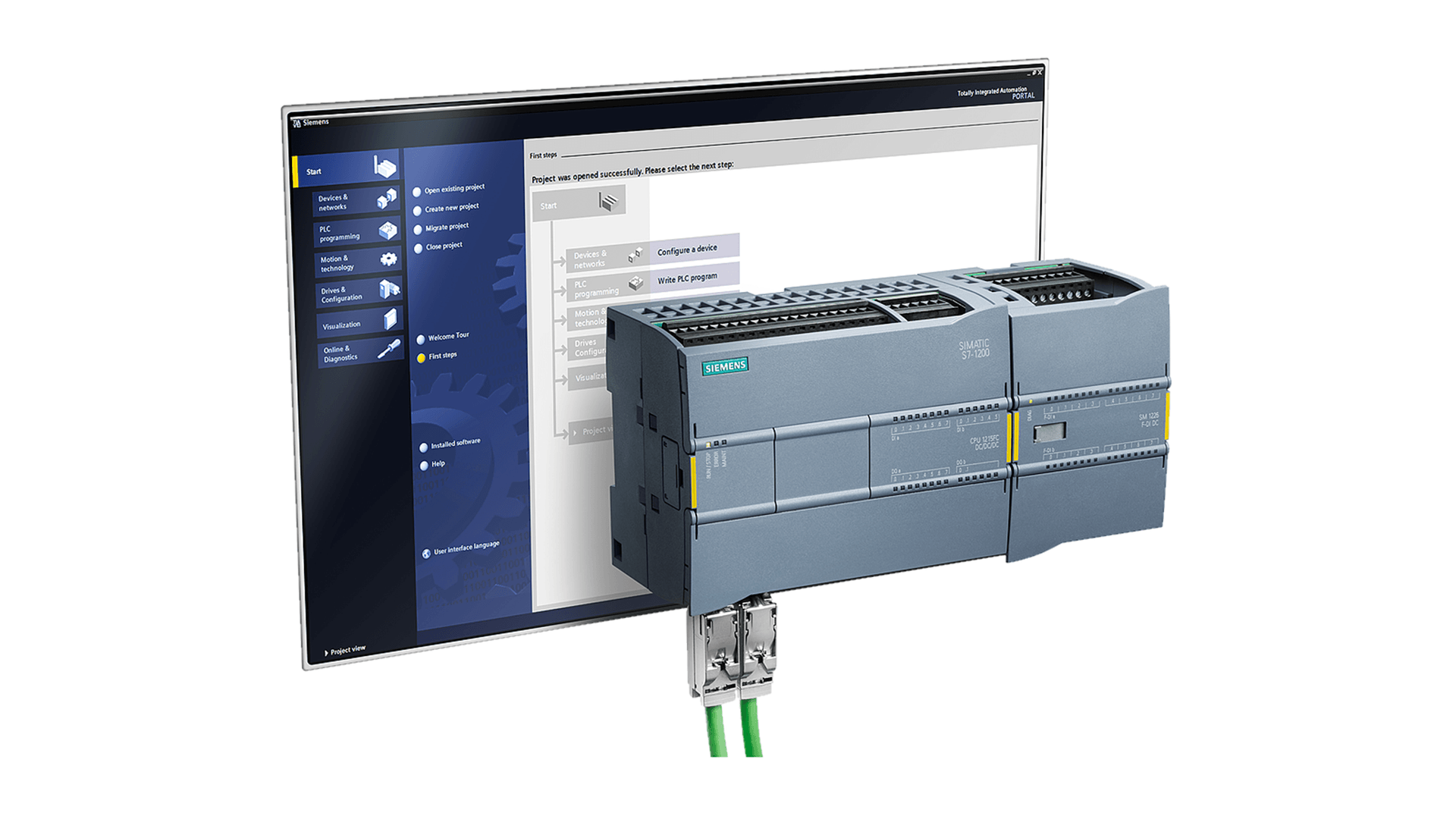
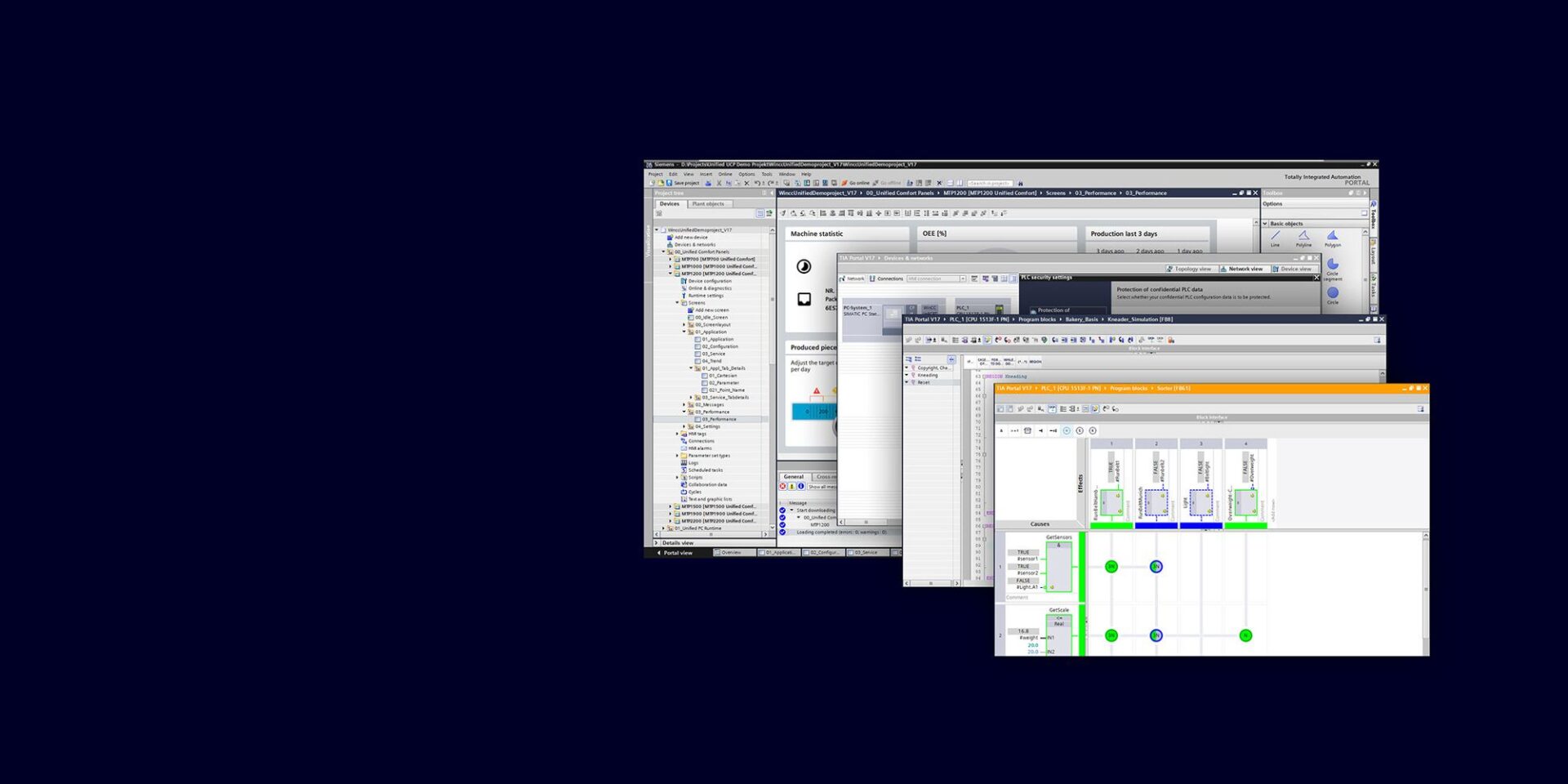
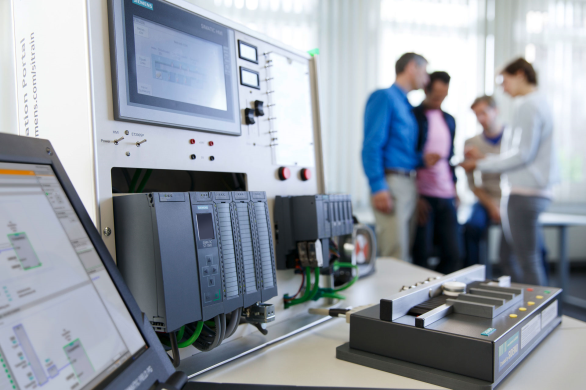
This three day course assumes the student has a very basic understanding of PLCs and will introduce students to the Step 7 software package, used to program and maintain the S7-300/400 PLC systems. The class focuses on maintaining & troubleshooting the S7 PLC using Step 7.
Topics:
S7 Family Hardware Overview
S7 Hardware Installation & Maintenance
Remote I/O Installation & Maintenance
Using Simatic Manager
Editing/Adding Symbols to a Project
Overview of PROFIBUS & PROFINET Networks
Using a Variable Table for Troubleshooting
Overview of S7 Addressing
Why Various Programming Methods Are Used (Linear, Partitioned, Structured)
Basics of Organization Blocks
Basics of Functions (FC) & Function Blocks (FB)
Basics of Data Blocks
Monitoring PLC Program Blocks
Comparing Programs
Using Cross Reference, Usage Table & Program Structure Tools
Troubleshooting a S7 PLC Using LEDs
Troubleshooting a S7 PLC Using Step 7
Troubleshooting a S7 PLC Using the Integrated Web Server
How to Force a Value
Prerequisite: Basic understanding of PLCs
Course Length & Time: Three days. 8:30 AM – 4:30 PM
1049 N Lynndale Dr Appleton,
WI
54914United States
Organizer
Kelly Anton
Kelly is an Application Engineer at GCG with over 35 years of industrial automation engineering and technical training experience with a focus on PLC, HMI and SCADA technologies. As an author of many white papers, training manuals and online videos, Kelly provides tips and best practices for users of these solutions.
Register here to reserve your spot in this Siemens training session. A GCG representative will follow up with payment details to confirm your registration. For questions about this class, please contact [email protected].